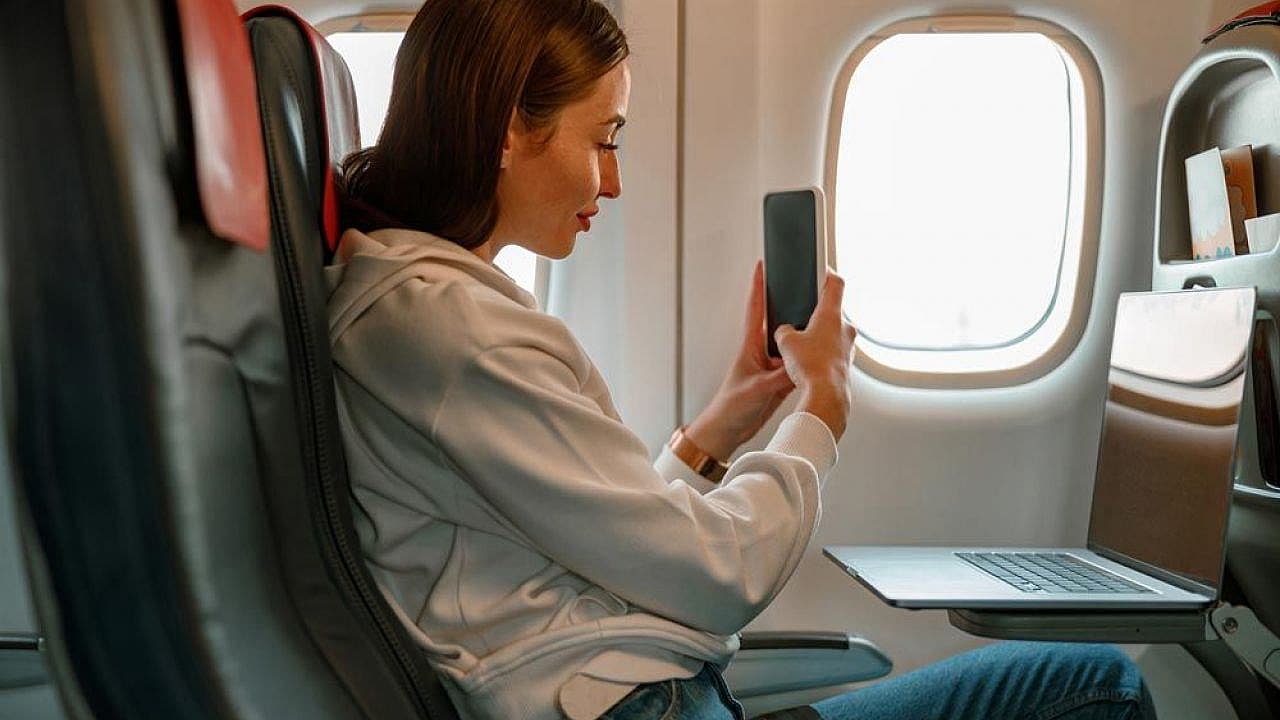




Planes get WiFi in one of two ways: from ground-based cell towers (called air-to-ground) or from satellites orbiting above the aircraft. An antenna on the plane picks up the signal and shares it with everyone on board through an onboard wireless network, much like the router you have at home.
Not every flight has it, but in-flight WiFi is now common, and the technology behind it is improving fast. Newer aircraft increasingly use low-Earth-orbit (LEO) satellite systems such as SpaceX's Starlink, which are quick enough to stream video, browse, and get work done in the air.
Whether you can actually connect depends on the airline you fly, the aircraft, and the route. This guide explains how in-flight WiFi works, how fast it is, how to get online, what it costs, whether it is safe, and which airlines offer it. A connection is especially handy if you are stuck on a delayed or cancelled flight.
Do Airplanes Have WiFi?

So, can you get WiFi on a plane to catch up with work after a delayed flight or browse the latest news? Yes, in most cases. It comes down to a few factors: the airline you are travelling with, the length and route of your journey, and the type of aircraft you are on.
A large and growing share of flights now offer in-flight WiFi, and it is likely that almost all airlines will provide the service in the coming years to match rising passenger demand.
If your flight was delayed, canceled or overbooked within the last 3 years, you could be eligible for up to £520 (€600) in compensationCheck Your Flight
How Does WiFi Work on Planes?
There are two main methods, and which one you get depends on the airline and aircraft: air-to-ground and satellite WiFi.
1. Air-to-ground WiFi. This method uses cell towers on the ground, just like the towers that connect your phone. The towers beam signals up into the sky, and an antenna underneath the plane receives them. It is reliable over land but drops out over oceans and remote areas where there are no towers, and it switches off below about 10,000 feet during take-off and landing.
2. Satellite WiFi. Here, an antenna on top of the fuselage connects to satellites overhead, which relay the signal back to the internet on the ground. Older systems use geostationary satellites parked about 35,786 km above the equator. Because every data packet travels roughly 72,000 km up and back, these systems feel laggy. Newer systems use low-Earth-orbit (LEO) constellations such as SpaceX's Starlink, which fly around 550 km up. That closeness cuts lag and boosts speeds enough to stream video, and it keeps working over oceans.
Once the signal reaches the aircraft, an onboard modem passes it to a cabin router and a set of wireless access points, which broadcast the network to your seat. In other words, the plane simply acts as a flying hotspot.
Satellite WiFi now dominates new installations. Through 2025 and 2026, airlines including United, Southwest, the Lufthansa Group, and IAG have committed to fit hundreds of aircraft with Starlink. United already has it on more than 400 planes and aims for about 1,000 by the end of 2026, while Southwest flew its first Starlink service in June 2026. American Airlines plans to begin its own Starlink rollout in early 2027, so coverage and speeds keep improving.
How Fast Is Plane WiFi, and Why Can It Feel Slow?
Speed depends entirely on the system your aircraft uses. Older air-to-ground and geostationary setups can struggle with anything heavier than email, while Starlink is fast enough for video calls. Here is how the three main technologies compare:
System | How it connects | Typical speed per aircraft | Lag (latency) | Good enough for |
| Air-to-ground | Cell towers on the ground | Around 3 Mbps on older setups | Low over land | Email, messaging over land |
| Geostationary satellite | One satellite about 35,786 km up | About 5 to 25 Mbps | Over 600 ms | Browsing, email, light use |
| LEO satellite (Starlink) | A moving constellation about 550 km up | About 100 to 350 Mbps | 20 to 40 ms | Streaming, video calls, work |
Even on a fast system, in-flight WiFi can feel sluggish for one simple reason: everyone on board shares the same connection. When hundreds of passengers stream and browse at once, the available bandwidth is split between them all, so speeds drop at busy moments. Distance adds to it too, since a signal bouncing off a satellite 36,000 km away will always lag more than your home broadband.
How Do You Get WiFi on Planes?

So how do you actually access in-flight WiFi on your next flight? In most cases the airline provides all the information you need about the service.
You may be told at the time of booking or once you are seated on board. There is often a reference to the in-flight WiFi on a leaflet or manual in the seat pocket in front of you.
Usually, connecting to in-flight WiFi works just like connecting to any public WiFi network: switch on your device's WiFi, find the aircraft's hotspot, and tap to connect. Most airlines let you stay in airplane mode and simply turn WiFi back on.
You might need to enter your ticket or booking number to confirm your identity, and you may need to pay for access, which leads us to the next section.
Do You Have to Pay for WiFi on Planes?
Once again, it depends. A growing number of carriers now offer free WiFi: United provides free Starlink WiFi to MileagePlus members on equipped aircraft, Southwest is rolling out free Starlink across its fleet, and JetBlue, Delta (on most domestic flights), Emirates, and Singapore Airlines also offer free connections.
Others still charge, either a set fee for the whole flight or a rate per hour, such as British Airways and Virgin Atlantic. Sometimes WiFi is included in the cost of your ticket, and premium cabins often get it free while economy passengers pay.
Here is a quick snapshot of how major airlines handle WiFi cost:
Airline | Cost | Notes |
| United | Free | Free Starlink for MileagePlus members on equipped jets |
| Southwest | Free | Free Starlink for Rapid Rewards members, rolling out through 2026 |
| Delta | Free | Free on most domestic flights for SkyMiles members |
| JetBlue | Free | Free across the fleet |
| Emirates | Free | Free, with wider access for Skywards members |
| Singapore Airlines | Free | Free for KrisFlyer members |
| British Airways | Paid | A messaging tier and a faster streaming tier |
| Virgin Atlantic | Paid | Paid packages by session |
| Lufthansa | Paid | Paid passes by duration |
| Air France | Paid | Paid packages, some free messaging |
| Turkish Airlines | Mostly paid | Some free messaging, paid for full access |
| Air Canada | Paid | Paid on most flights |
Every airline has its own system, and all of this is subject to change. As free satellite WiFi spreads, expect more carriers to drop or reduce their fees.
Disrupted flight?You might have a right to compensation - up to €600Check Your Flight
Is In-Flight WiFi Safe to Use?
In-flight WiFi is generally safe for casual browsing, but it carries the same risks as any public network at a cafe or airport. The aircraft hotspot is usually open and unencrypted, which means other people on the same network could, in theory, see traffic that is not properly protected.
A few simple habits keep you safe:
- Use a VPN if you have one, so your connection is encrypted end to end.
- Stick to sites that show a padlock (HTTPS) in the address bar.
- Avoid online banking or entering card details unless you are on a VPN.
- Turn off file sharing and connect only to the airline's official network name, which is usually printed in the seat pocket card.
Modern phones and laptops already block most of these risks by default, so for everyday email, messaging, and streaming, in-flight WiFi is safe to use.
FAQs
Yes. Turning on airplane mode disables WiFi and mobile data by default, so you cannot get online until you change that. But you can manually switch WiFi back on while staying in airplane mode, and it will work as normal to connect to the aircraft's network.
It depends on the airline you are flying with. More and more airlines offer in-flight WiFi, but some still do not. Some only offer it on long-haul flights or on certain aircraft, so check before you fly.
Two reasons. First, everyone on board shares the same connection, so speeds drop when lots of passengers are online at once. Second, older systems relay the signal off a geostationary satellite about 36,000 km away, which adds noticeable lag. Newer low-Earth-orbit systems like Starlink sit far closer and are much faster.
It depends on the connection. Older air-to-ground and geostationary satellite systems can be too slow for smooth streaming, but newer low-Earth-orbit systems like Starlink are fast enough to stream video. British Airways, for example, sells two tiers of WiFi: one for messaging only and one for streaming.
Yes, for everyday use. The aircraft network is usually open and unencrypted, so treat it like any public WiFi: use a VPN if you can, stick to HTTPS sites, and avoid online banking or entering card details unless your connection is protected.
In the UK, both BA and Virgin Atlantic offer WiFi for a fee. In Europe, Lufthansa and Air France sell paid packages. Elsewhere, JetBlue, Emirates, Singapore Airlines, and Delta offer free WiFi, while Turkish Airlines and Air Canada have it on most flights for a fee. United now offers free Starlink WiFi on its equipped aircraft.
Yes. The shift to low-Earth-orbit satellites such as Starlink is a big upgrade over older systems. Through 2025 and 2026, United, Southwest, the Lufthansa Group, and IAG have committed to installing Starlink on hundreds of aircraft, with American Airlines set to follow from early 2027, which means faster and more reliable connections on more flights.